

 Marketplace
 Jobs
Jobs Motors
 Property
 Services
 Business For Sale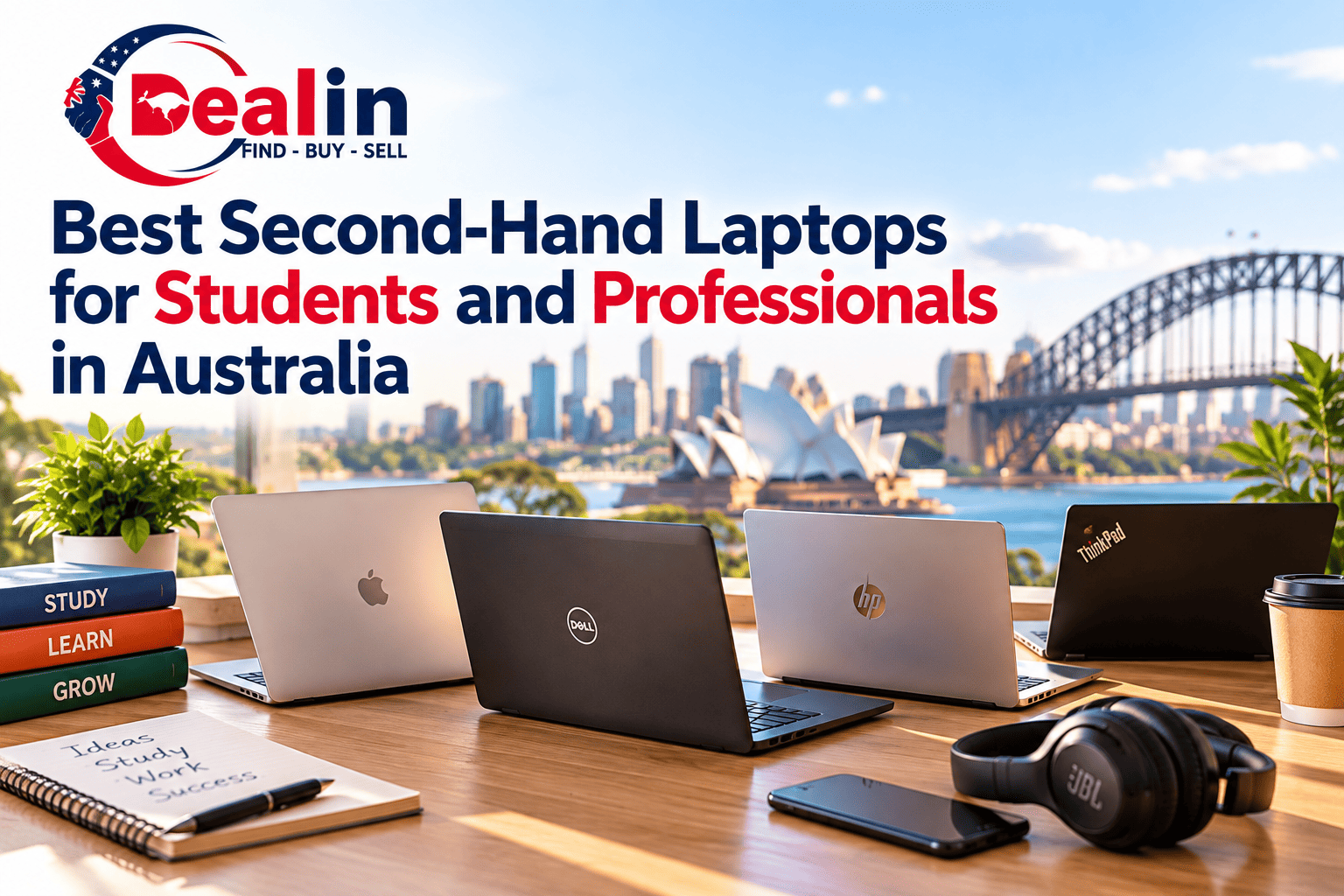




Best Second-Hand Laptops for Students and Professionals in Australia
A good laptop doesn't need to be new. In fact, for university students or home office users, it makes much more sense to get a two- or three-year-old business laptop than to spend a lot of money on a new entry-level device. It's all about knowing what to look for.
A $400–500 laptop with a decent Core i5 processor, 16GB of RAM and an SSD can feel much more useful than a new basic laptop with a low-core processor, 8GB of memory and few upgrade options. So it's worth looking into the second-hand market in Australia, especially for students, freelancers, and professionals who need a laptop to do day-to-day work, use browsers, attend video conferences, use study software and do everyday tasks. Here's where I would start.
The Sweet Spot Is Usually an Older Business Laptop
When people ask me what is the best laptop for university students, I like to think about the big name brands first, such as Lenovo, HP, Dell or Acer laptops. However, I would also look more closely at business-class notebooks such as the Lenovo ThinkPad, Dell Latitude range or HP EliteBook series. These were designed for the office (not for the weekend film marathon), which could be a good thing with your studies.
ThinkPad T-series laptops, Dell Latitude and HP EliteBook models usually feature good keyboards, a sensible selection of ports and are well-built. Many of these business-class laptops were sold in bulk to businesses, which means there's also a healthy supply of second-hand models in Australia.
A Dell Latitude 5400 is a good example. Current Australian refurbished listings show configurations with a Core i5, 16GB RAM and 256GB SSD around A$417, although prices vary by condition, seller and specification. That sort of configuration is much closer to what I would call a genuinely useful affordable laptop for students than some of the ultra-cheap new machines you see advertised.
For university purposes, 16GB of RAM is particularly nice to have. Opening up a browser with fifteen tabs, Word, Spotify, a PDF reader, and a Zoom call all at once, and you will see the difference between a comfortable laptop and one that is always struggling to catch its breath.
What Makes a Good Second-Hand Student Laptop?
You do not need a workstation to write essays, attend lectures, research assignments or work with spreadsheets. You do, however, want the basics to be right.
I would go for at least a relatively modern Intel Core i5/Core i7 or AMD Ryzen 5/7 class processor, 8 GB of RAM as a bare minimum and preferably 16+ GB, plus a 256 GB SSD or larger. A Solid State Drive (SSD) is important as opposed to a traditional hard disk (HDD) because it allows most daily tasks such as launching programs or simply switching between documents to be significantly faster.
Screen quality is another one people overlook. A cheap laptop with a dim 1366×768 screen might look like a bargain until you spend six hours reading journal articles on it. A Full HD 1920×1080 display is a much nicer target for study and office work.
The keyboard matters too. This is where older business laptops can be surprisingly good value. A well-kept ThinkPad or EliteBook may have a better typing experience than a much newer budget model.
There is one modern check that should not be skipped: Windows 11 compatibility. Microsoft requires more than simply having enough RAM and storage. Supported hardware requirements include a compatible 64-bit processor, TPM 2.0, Secure Boot capability and other hardware requirements.
So do not buy an old laptop just because someone says, "It runs Windows." Check the exact processor and hardware configuration.
The Best Options for Different Types of Buyers
For most students on a tight budget, I would go for a Dell Latitude 5400, Lenovo ThinkPad T480/T490 or HP EliteBook 840-series with 16 GB RAM and SSD. It does not matter much which particular model to choose as the critical thing is to secure a decent configuration at a reasonable price.
The Dell Latitude 5400 is particularly attractive in the 'budget' segment of the refurbished market. Contemporary Australian listings suggest that there is a wide range of prices for the Latitude 5400 in a refurbished condition, with some examples of 16/256 configurations costing below A$500.
For professionals, I would consider stepping up to newer versions of those business ranges rather than chasing an ultra-cheap laptop. A newer Latitude, EliteBook or ThinkPad can give you better battery life, newer connectivity and a longer useful life.
Then there is Apple. A refurbished MacBook Air with Apple's M1 chip is still an interesting option for someone who works comfortably within macOS and has a larger budget. Current Australian refurbished pricing shows an M1 MacBook Air with 8GB RAM and 256GB SSD from about A$619.
That is not a best laptop under $500 Australia option, obviously, but it shows why the refurbished market becomes more interesting once your budget moves beyond the cheapest tier. An M1 MacBook Air can be a particularly appealing second-hand machine for professionals who value battery life, portability and quiet operation.
Be Careful With the Word "Refurbished"
This is where buying second-hand gets a little messy. "Used" and "refurbished" are not automatically the same thing. A used laptop might simply be somebody's old machine that is now being resold. A refurbished laptop may have been cleaned, tested, repaired or had components replaced, but the standard of refurbishment varies between sellers.
That brings us to the question people often ask: is buying a refurbished laptop worth it? It can be, but only when the machine's condition and specifications justify the price. Look beyond the word refurbished and find out what has actually been checked. Battery health is important because replacing a battery can add to the real cost of a cheap laptop. Check whether the SSD is healthy, whether the charger is included, whether the screen has marks or dead pixels and whether the keyboard and trackpad work properly.
A current Australian refurbished Dell Latitude listing, for example, specifies battery health and warranty conditions rather than simply saying "refurbished". That is the sort of detail buyers should look for.
For used marketplace purchases, I would also ask for the exact model number rather than accepting "Dell i5 laptop" as a description. There can be several generations of the same series, with very different processors, displays and upgrade options.
How to Shop Under $500 Without Buying Someone Else's Headache
A $500 budget can work surprisingly well, but it helps to spend it in the right places. I'd rather buy a slightly scratched business laptop with 16GB RAM, a good SSD and a healthy battery than a spotless machine with weak hardware. Cosmetic wear is usually just that: cosmetic.
Battery condition is the big one. Ask how long the battery lasts during normal use and whether it has been replaced. If you can inspect the laptop in person, check the battery report, run a few applications and make sure the machine is not getting unusually hot or making strange noises.
Ports deserve a quick look as well. USB-C, USB-A, HDMI and an SD card slot can all matter depending on what you are studying or doing for work. A laptop can have excellent specifications and still be annoying to live with if you constantly need adapters. And don't forget the charger. A missing original or compatible charger can turn a supposedly cheap deal into a slightly less cheap deal very quickly.
For students searching for cheap laptops for students Australia-wide, local pickup can also make sense. Being able to inspect the laptop before handing over money is particularly useful for second-hand electronics.
Why Dealin Makes Sense for Buying and Selling Used Laptops
This is one category where a local classifieds marketplace can genuinely be useful because laptops are awkward items to buy completely blind.
A listing on Dealin can be searched by location, which makes it easier to look for a second-hand laptop in your own city or nearby suburb rather than immediately dealing with interstate shipping. For something like a laptop, that can matter. You may be able to arrange a local meeting, inspect the screen and keyboard, check the ports, confirm the charger and see whether the machine actually matches the listing before completing the deal.
Dealin's Computers category specifically includes laptops, along with monitors, peripherals, networking equipment, storage and other computer-related items. That makes it easier to search for the laptop and the accessories you might actually need rather than hunting through a completely mixed marketplace.
It also works in the other direction. If you have upgraded your own laptop and still have a perfectly usable ThinkPad, Latitude or MacBook sitting in a cupboard, you can put it in front of Australian buyers who are specifically looking for second-hand technology.
For individual sellers, Dealin currently allows up to 10 Marketplace listings per month at no listing fee, with no success fee when an item sells. Once you go beyond the free monthly allowance, the standard Marketplace charges apply. For laptops specifically, the published Marketplace schedule lists a 7.90% fee for the Computers → Laptops category.
That is useful to know before listing, particularly for someone selling several devices rather than clearing out a single old laptop. The local approach is also handy when buying something where condition matters. You can compare several nearby listings, ask sellers for battery information and photos, and decide whether travelling across town to inspect a laptop is worthwhile. It is a much more sensible process than buying solely from a stock image and hoping "good condition" means what you think it means.
A Second-Hand Laptop Should Be Bought for the Work, Not the Logo
The best value refurbished laptop is rarely the one with the flashiest branding. Think about what you actually need the machine to do. For essays, research, accounting work, Microsoft Office, web applications, coding, Zoom and general professional use, a well-specced business laptop from a few years ago can be an excellent buy.
A student with around $400–$500 might find a 16GB Dell Latitude or similar business-class machine that does everything they need. Someone with a larger budget might sensibly move into newer ThinkPads, EliteBooks, Latitudes or an M1 MacBook Air.
The important thing is to compare the actual machine in front of you: processor generation, RAM, SSD, screen, battery, ports, condition, warranty and price. That is where the real saving is in the second-hand market. And once you know those things, the search becomes much easier. For a practical starting point, browse used laptops and computers in Australia on Dealin and compare local listings before deciding what fits your budget.
FAQs
Written By
This article is by the Dealin Team — the editorial crew at Dealin, Australia's classifieds platform for buying and selling across Motors, Property, Jobs, Marketplace, Services, and Business For Sale. We write for everyday Australians navigating the classifieds space. Have a question, or would you like us to cover a specific topic? Email us at info@dealin.com.au .


